
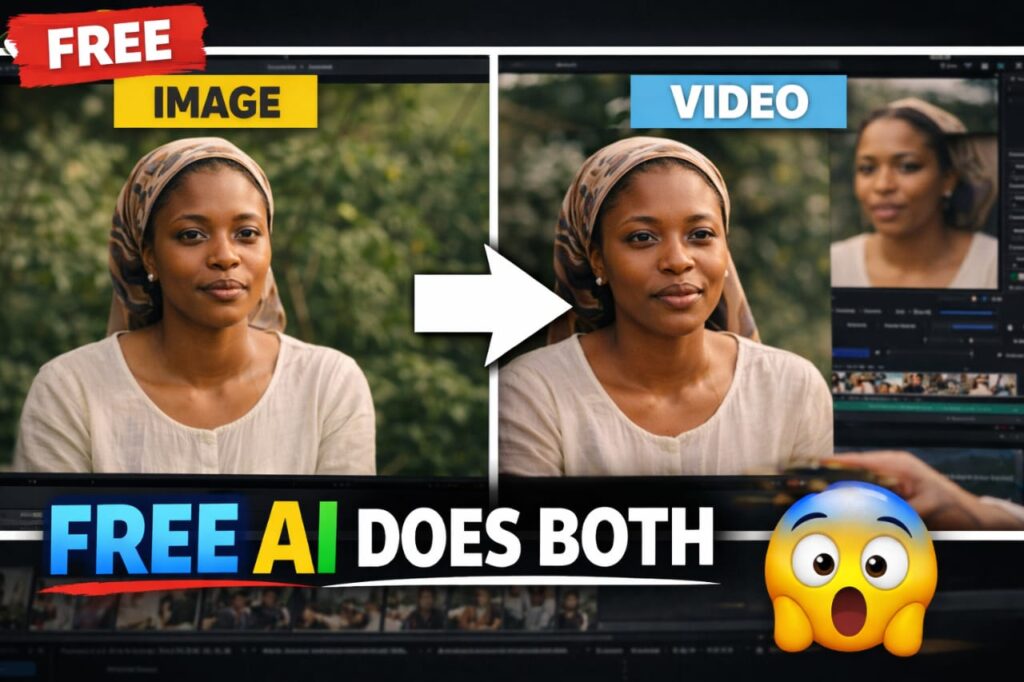
AI content creation is evolving rapidly—but most creators still use multiple tools to accomplish the task.
One tool for images.
Another for videos.
Another for animation.
That workflow is slow and inefficient.
But what if you could do everything in one place?
In this guide, I’ll show you how to use Flow AI from Google Labs to create images and turn them into videos—all in one platform, for free.
What is Flow AI?
Flow AI is an experimental tool from Google Labs that allows you to:
- Generate high-quality AI images
- Turn those images into videos
- Maintain character consistency
- Create short cinematic scenes
Unlike traditional workflows, Flow AI keeps everything in one environment, making it perfect for content creators, storytellers, and marketers.
Why Flow AI is Powerful
Here’s why this tool stands out:
✅ All-in-one workflow – No need for multiple tools
✅ Consistent characters – Your visuals stay the same from image to video
✅ Beginner-friendly – Simple prompt-based interface
✅ Free to use – No upfront cost
If you’re into AI content creation, this is one of the best tools to start with.
Step-by-Step: How to Use Flow AI
Step 1: Open Flow AI
Go to your browser and search for Flow AI Google Labs, then open the official page.
Step 2: Enter Your Prompt
This is where everything starts.
Type a clear and descriptive prompt for the image you want to generate.
👉 Example:
A cinematic Nigerian roadside market scene, a woman selling tomatoes, a man negotiating price, realistic expressions, warm lighting, ultra-detailed, 4K
💡 Tip: The more detailed your prompt, the better your results.
Step 3: Generate Your Image
Click generate and wait for the AI to create your image.
At this stage, focus on:
- Facial clarity
- Lighting
- Composition
Make sure the image looks exactly how you want before moving forward.
Step 4: Turn Image into Video
Now comes the powerful part.
Use the animate / video feature to turn your image into a moving scene.
You can add:
- Camera movement (zoom, pan)
- Character motion
- Dialogue (if supported)
Step 5: Keep It Consistent
One of Flow AI’s biggest advantages is consistency.
Your characters will remain:
- The same face
- The same style
- The same environment
This is perfect for storytelling and content creation.
Example: Creating a Short AI Story
Here’s a simple example you can try:
A short scene where:
- A woman is selling tomatoes
- A man asks for the price
- They have a quick conversation about rising costs
You can turn this into a 7-second video story using Flow AI.
Prompts Used in This Tutorial
Instead of listing everything here, I’ve added all prompts in a separate section for easy access.
🧠 COPY-PASTE PROMPT (FOR YOUR DEMO)
Use this inside Flow AI:
IMAGE PROMPT:
“A cinematic Nigerian roadside market scene, a woman selling fresh tomatoes at a wooden stall, a man negotiating the price, realistic expressions, documentary style, ultra detailed, warm natural lighting, shallow depth of field, 4K realism, consistent characters”
VIDEO PROMPT:
Animate subtle natural motion only (blinking, light hand gestures, slight head movement).
The woman and man should appear to have a short real-time conversation in a busy Nigerian market.
Camera stays mostly stable with a slight slow zoom-in on both characters.
Keep lighting natural daylight and realistic market atmosphere.
Dialogue must be synced clearly and naturally:
Man (calm tone): how much is basket of tomatoes?
Woman (calm tone): “It’s five thousand naira.”
Man (surprised tone): “Five thousand? I bought it for three last week!”
Woman: “Yes… because fuel prices have increased, and transportation costs have gone up too.
All of that is added to the price of tomatoes.
We also bought them at a higher price… that’s why.”
Watch the Full Video Tutorial
If you prefer a step-by-step visual guide, watch the full tutorial on YouTube:
https://www.youtube.com/@RitaCreationAI
💡 Tips for Better Results
- Keep prompts clear and specific
- Use cinematic keywords (e.g., “4K”, “realistic”, “cinematic lighting”)
- Avoid overcomplicating your scene
- Keep animations subtle for realism
Final Thoughts
Flow AI is changing how creators build content.
Instead of juggling multiple tools, you can now:
- Create images
- Animate them
- Tell stories
All in one place.
And the best part? It’s free.
If You Found This Helpful
- Share this post
- Check out the YouTube tutorial
- Try the prompts and start creating