
How to Resize Images Online Without Losing Quality
Images are essential for websites, social media, e-commerce, and digital marketing. However, large images can slow down your website and make uploads difficult.
The good news is that you can resize images online without losing quality using free tools.
In this guide, you will learn how to resize images easily and maintain high quality, even if you have no design experience.
Why You Should Resize Images
Resizing images is important for many reasons.
1. Faster Website Loading
Large images increase page loading time. Resizing them helps your website load faster and improves user experience.
2. Better SEO Performance
Search engines like Google prioritise websites that load quickly. Optimised images can improve your ranking.
3. Social Media Requirements
Platforms like Instagram, Facebook, and TikTok require specific image sizes for posts and thumbnails.
4. Save Storage Space
Smaller images take less storage space on your computer or website.
How to Resize Images Online Without Losing Quality
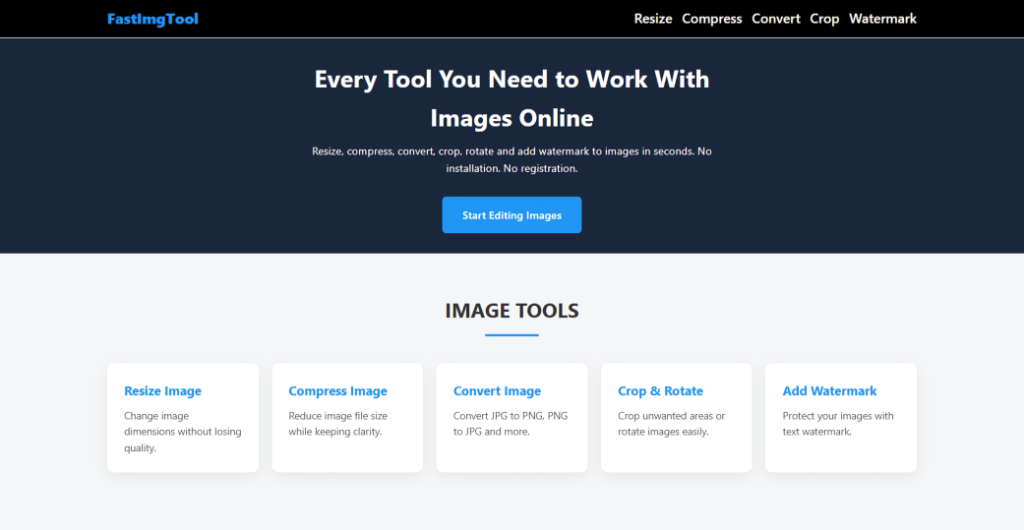
You can resize images in seconds using a free online tool like FastImgTool.
Step 1: Open the Image Resizer
Go to the Resize Image tool on FastImgTool.
Step 2: Upload Your Image
Click the upload button and select the image from your computer or mobile device.
Supported formats include:
- JPG
- PNG
- WebP
Step 3: Set New Dimensions
Enter the new width or height for your image.
You can resize images for:
- Websites
- Social media
- Online stores
- Email attachments
Step 4: Download Your Image
Once the resizing is complete, download the optimised image instantly.
Your image will maintain its clarity and quality.
Best Image Sizes for Different Platforms
Here are some recommended image sizes:
| Platform | Recommended Size |
| Instagram Post | 1080 × 1080 |
| Facebook Post | 1200 × 630 |
| Website Blog Image | 1200 × 800 |
| YouTube Thumbnail | 1280 × 720 |
Resizing images to the correct dimensions ensures they display perfectly on every platform.
Tips to Resize Images Without Losing Quality
Follow these simple tips for the best results:
Use High-Resolution Images
Start with high-quality images before resizing.
Maintain Aspect Ratio
Keeping the original aspect ratio prevents images from stretching.
Avoid Repeated Resizing
Resizing an image multiple times can reduce quality.
Use the Right Format
- JPG for photos
- PNG for graphics
- WebP for modern websites
Who Needs an Image Resizer?
Online image resizing tools are useful for:
- Website owners
- Bloggers
- Social media managers
- Designers
- E-commerce sellers
- Students and teachers
Anyone who works with images can benefit from a fast resizing tool.
Try the Free Image Resizer
If you need to resize images quickly, you can use the FastImgTool Image Resizer.
The tool works directly in your browser and requires no installation or signup.
✔ Free to use
✔ Works on mobile and desktop
✔ Fast and secure
Start resizing your images now and optimising them for the web.
Final Thoughts
Resizing images is a simple but powerful way to improve website speed, optimise social media posts, and manage file sizes efficiently.
With free online tools like FastImgTool, you can resize images instantly without losing quality.
Whether you are a blogger, designer, or business owner, using an image resizer will help you create better digital content.